|
|
 |
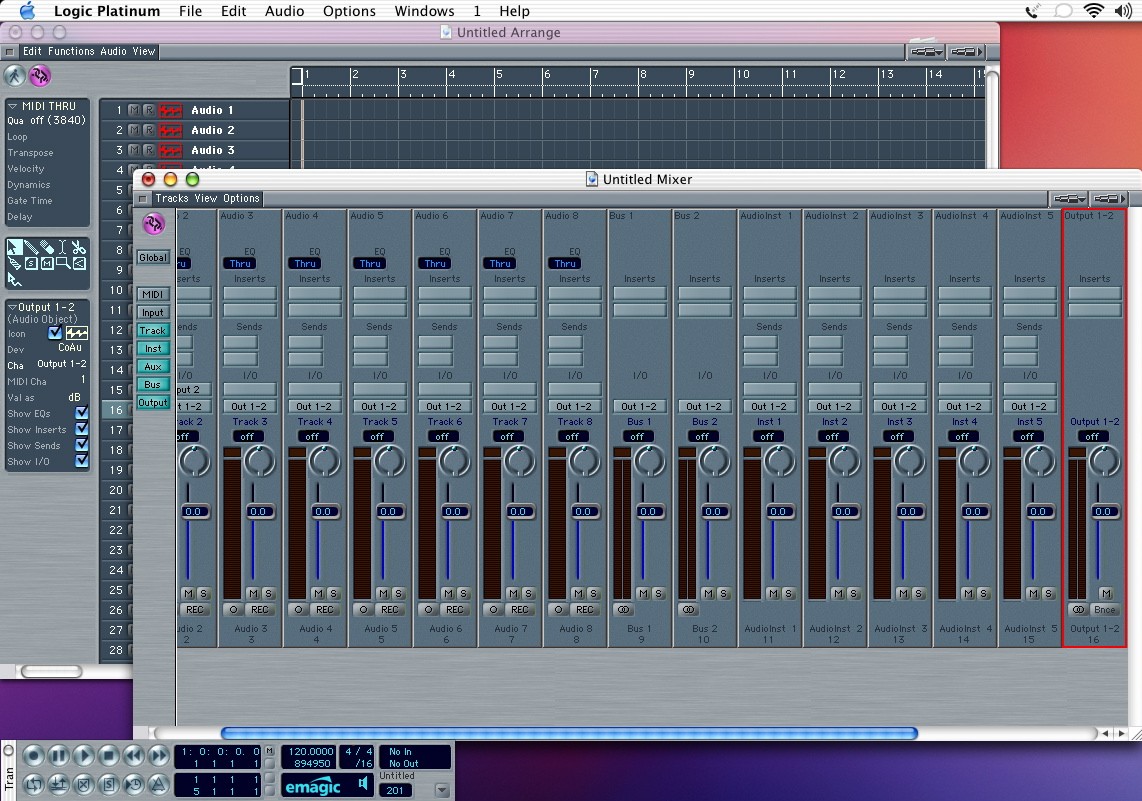
| Clicking back to the mixer you see that the change in the arrange window has been carried over to the mixer. You can also click on the blue buttons on the left side to selectively look at only certain kinds of tracks. To select more than one button, click and hold the shift key. Also notice that right now all the tracks appear to be mono. In reality, they can contain either mono or stereo signals. If you drag a stereo file into the arrange window, the mixer will stay mono (indicated by the circle at the bottom of the mixer). Clicking on this will switch the track to stereo. No need to create a different type of track like in PT. |
|