|
|
 |
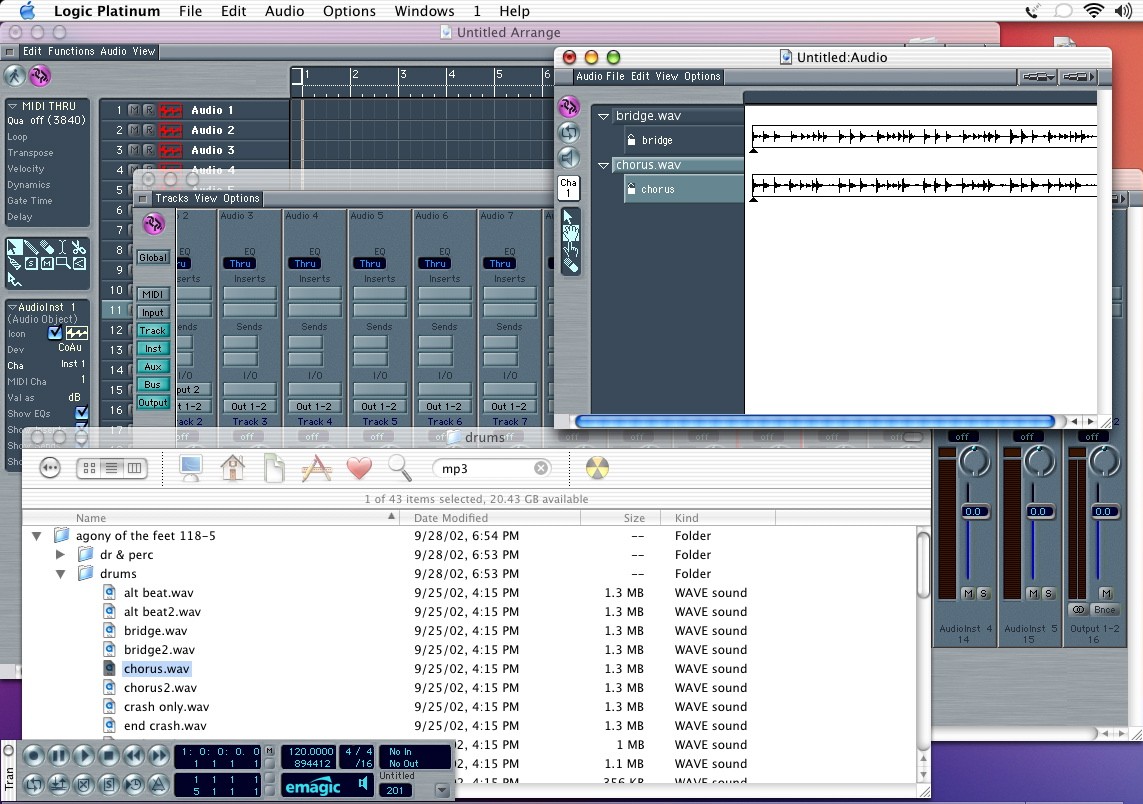
| OK, now let's get some audio into the picture. Open up the audio window, and you can use drag and drop. Here I have some .wav files on my HD and I have dropped them into the audio window. This functions much like the DP soundbytes or the right side of the PT arrange window. Note that if you are pulling sounds from a CD, you will need to copy them to your HD first. Logic knows that it will likely have to write changes to the file, and a CD won't let you do that. So transfer to the HD first, then drag and drop into the audio window. |
|