|
|
 |
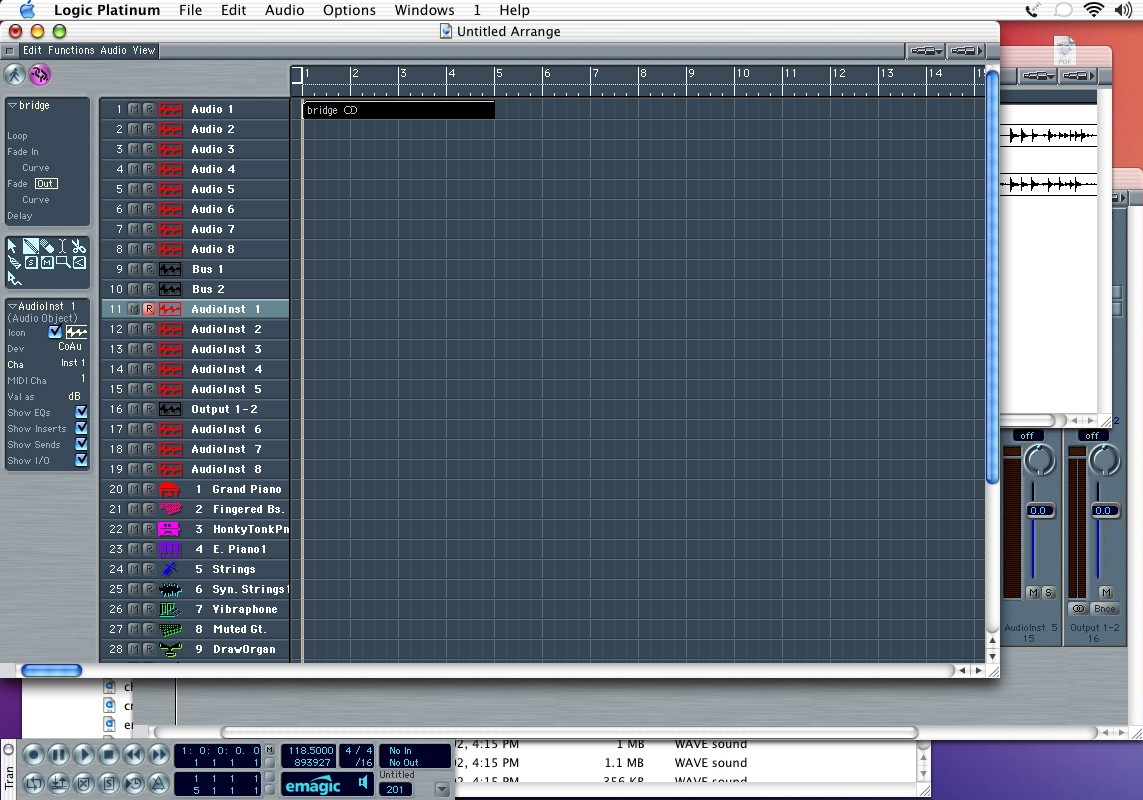
| Getting the audio into the window is also easy...drag and drop from the audio window into the arrange window. You will notice that the audio region (yes, same language as DP uses) snaps to beats. If you want to put it somewhere else (like PT spot mode), you have a few options. Click-drag will snap to the beat. ctrl-click drag will snap to the division (1/16 by default). To get finer resolution, you need to click-hold, and while holding then press ctrl-shft. Now you can drag at the tick level. If you need to go to sample resolution, you need to use the sample edit window. |
|