

| home -> tutorial -> page 14 |
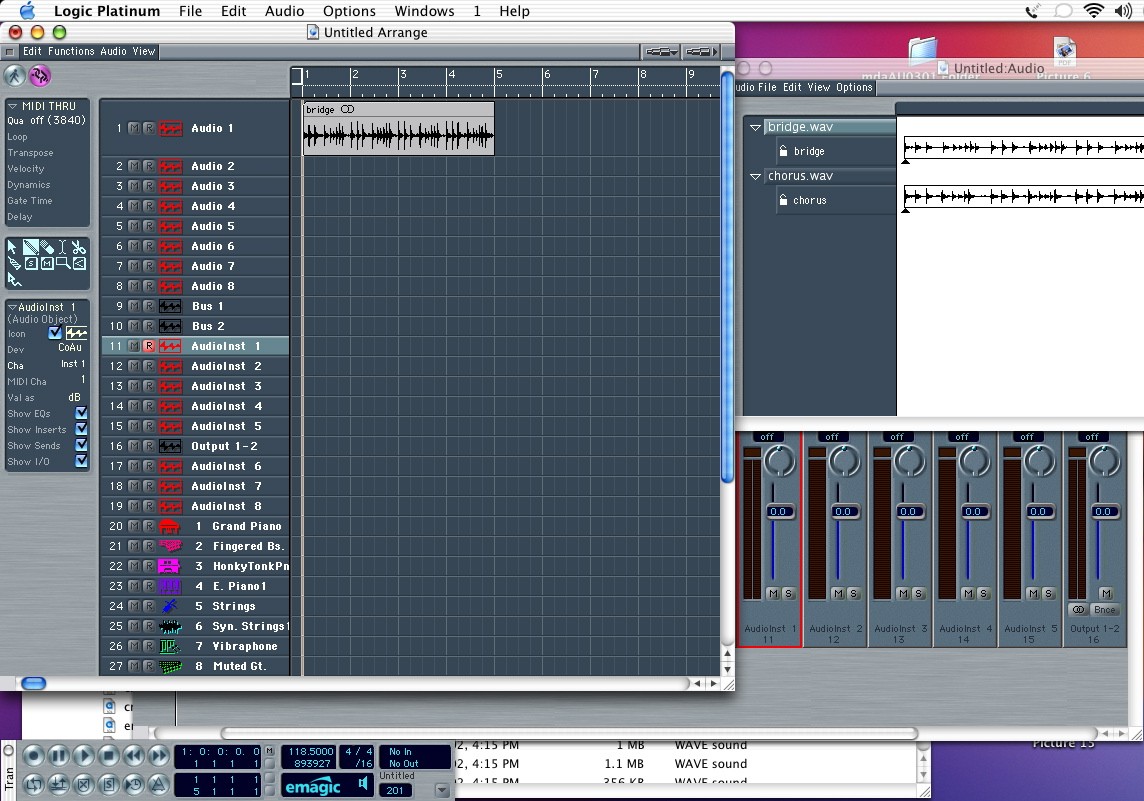 |
| If you want to see the waveform, just put your mouse at the lower left corner of the track (near the track number). The cursor will turn into a hand with one finger, and pulling down expands the track height. You can also change the height of all tracks using the zoom bars at the upper right of the window. |