|
|
 |
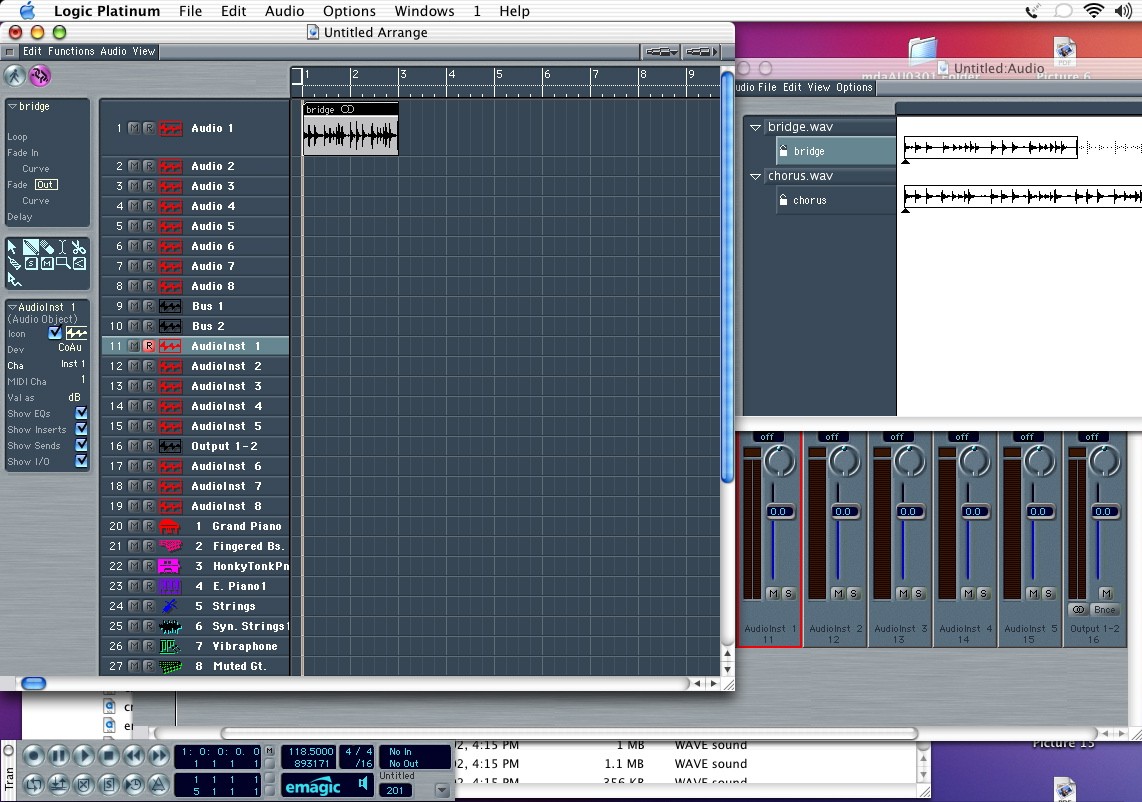
| Changing the length of the region is easy. Put your mouse at either the lower left or lower right corner of the region and click-drag. The region will shorten as you drag, and will snap according to the above criteria. Notice that the region in the audio window also shortens accordingly. This means that all of the iterations in your arrange window will also change. If you only want to change one, you need to duplicate the region in the audio window. The quicker way to go is to opt-click-drag in the arrange window. This creates a new copy of the region, and you'll see a new one generated in the audio window. You can work on this copy and the original one won't be affected. You can also modify the length in both the arrange and audio windows and the change will be reflected in the other location. |
|