|
|
 |
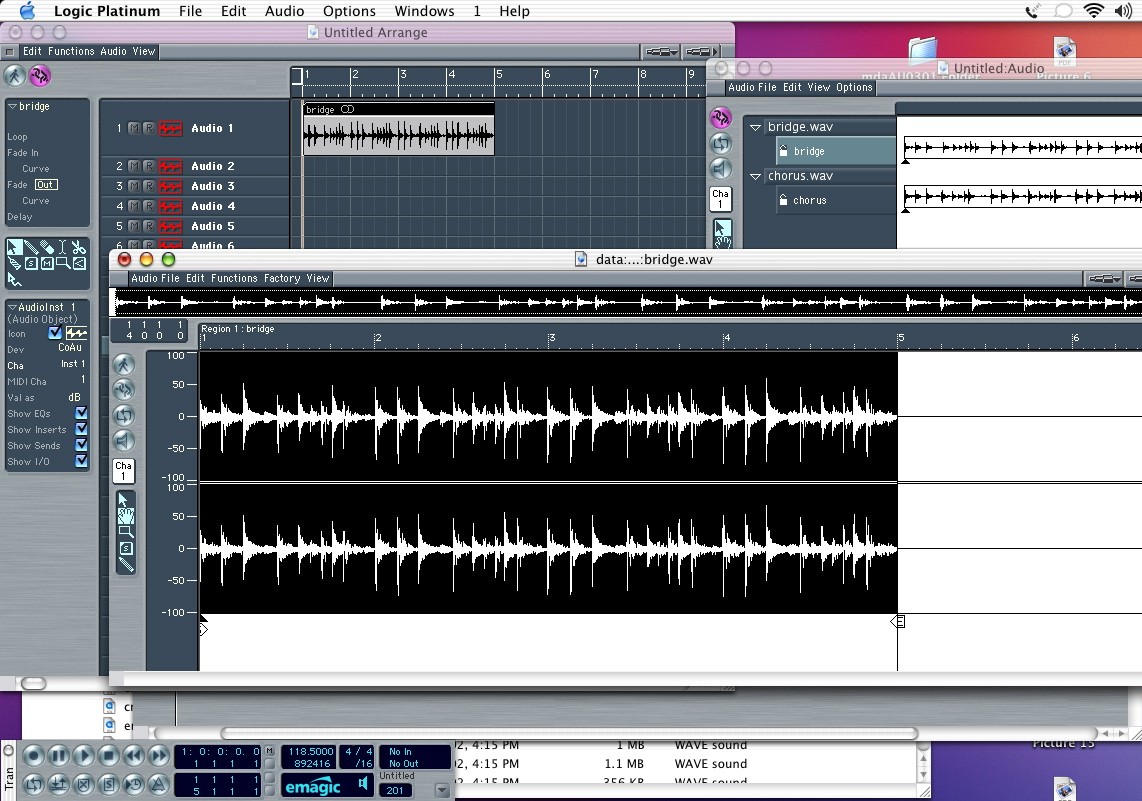
| If you want to do more detailed work on the region you just need to double click the audio file in the audio window. This opens the sample edit window. Here you can do all sorts of tricks, and is just like the edit window you get in DP when you double click on a soundbyte. This window has sample resolution, and you can change length by moving the "S" and "E" triangles at the bottom of the sample. The dark triangle is the anchor which determines where the region will snap to in the arrange window. This is useful for syncing a particular sound to a beat. |
|