|
|
 |
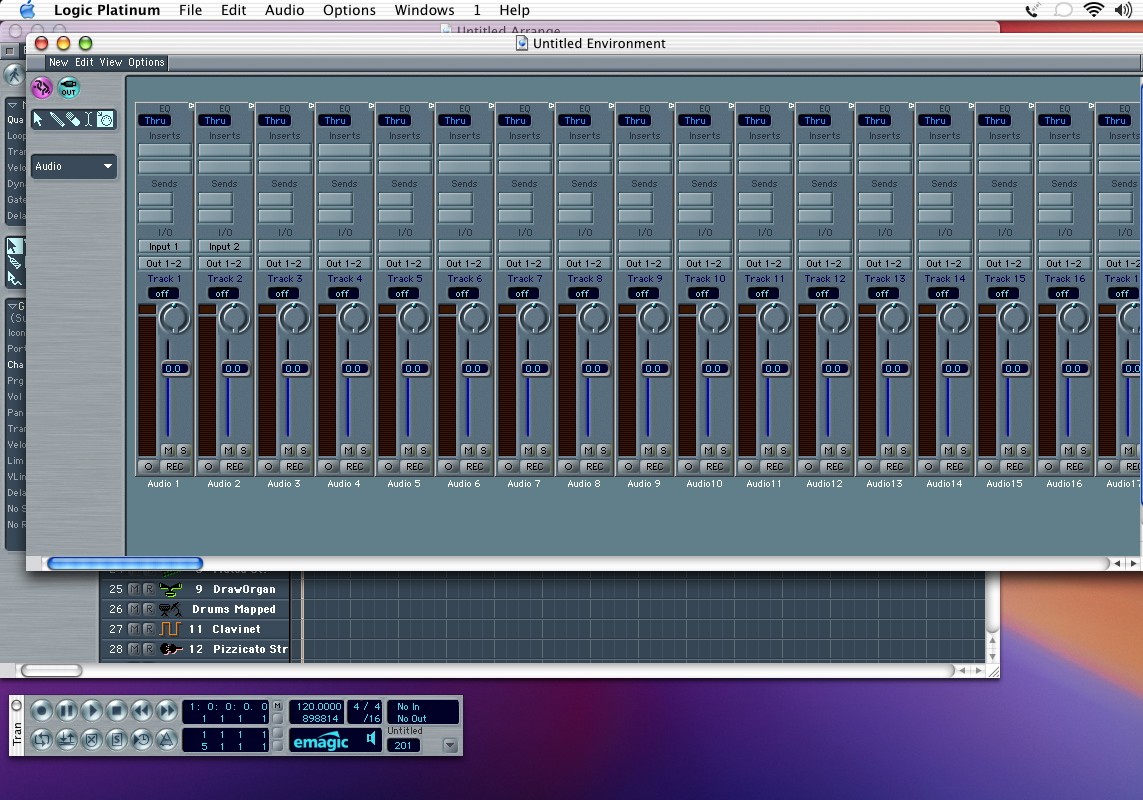
| So, open up the environment (cmd-8) and get to the audio layer (hold down the pull down menu on the left side of the screen). If you scroll left and right you can see all of your audio objects, instruments, buses, outputs, and master volume. You could use this to mix, but be careful not to fiddle too much (especially highlight and delete, or change the Cha parameter on the left). If you delete something, that object is gone. You can make another one, but let's keep it simple. You highlight by a single click on the name of the object found at the bottom of the channel strip. |
|